Do you have a list of your own properties that you would like to upload?
Use our upload .CSV feature to populate leadpipe data for your list of leads.
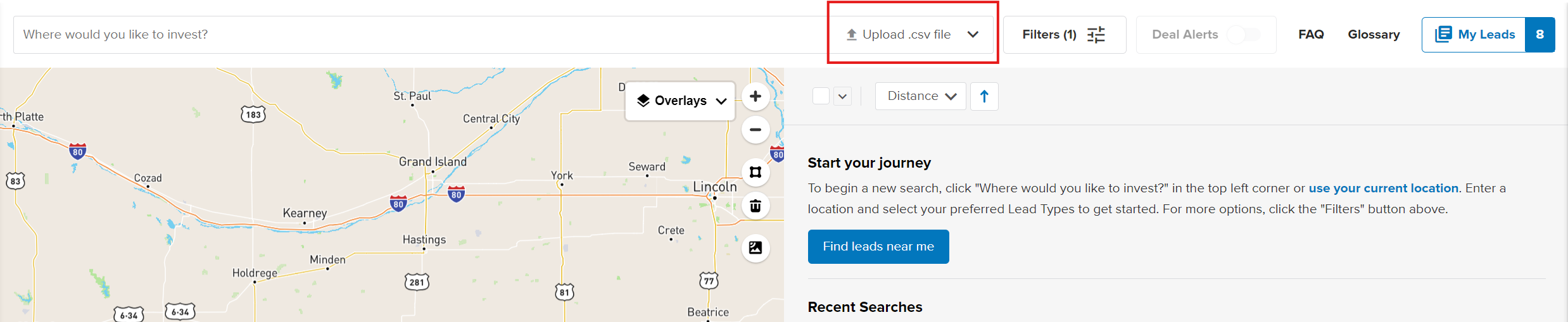
Click Upload CSV
This button is located in the location search field on your Leadpipes dashboard
Upload file
Click the Choose File button and select your CSV file to upload. The file must be in a comma-separated value format (.csv) with the template we provide.
If you have not already, Download our sample file to make sure your document is in the correct format (.csv).
- Please Note: Do not make any changes to the column headings on the sample document we provide. The best approach is to download the sample file, then paste your data into that downloaded document before uploading it.
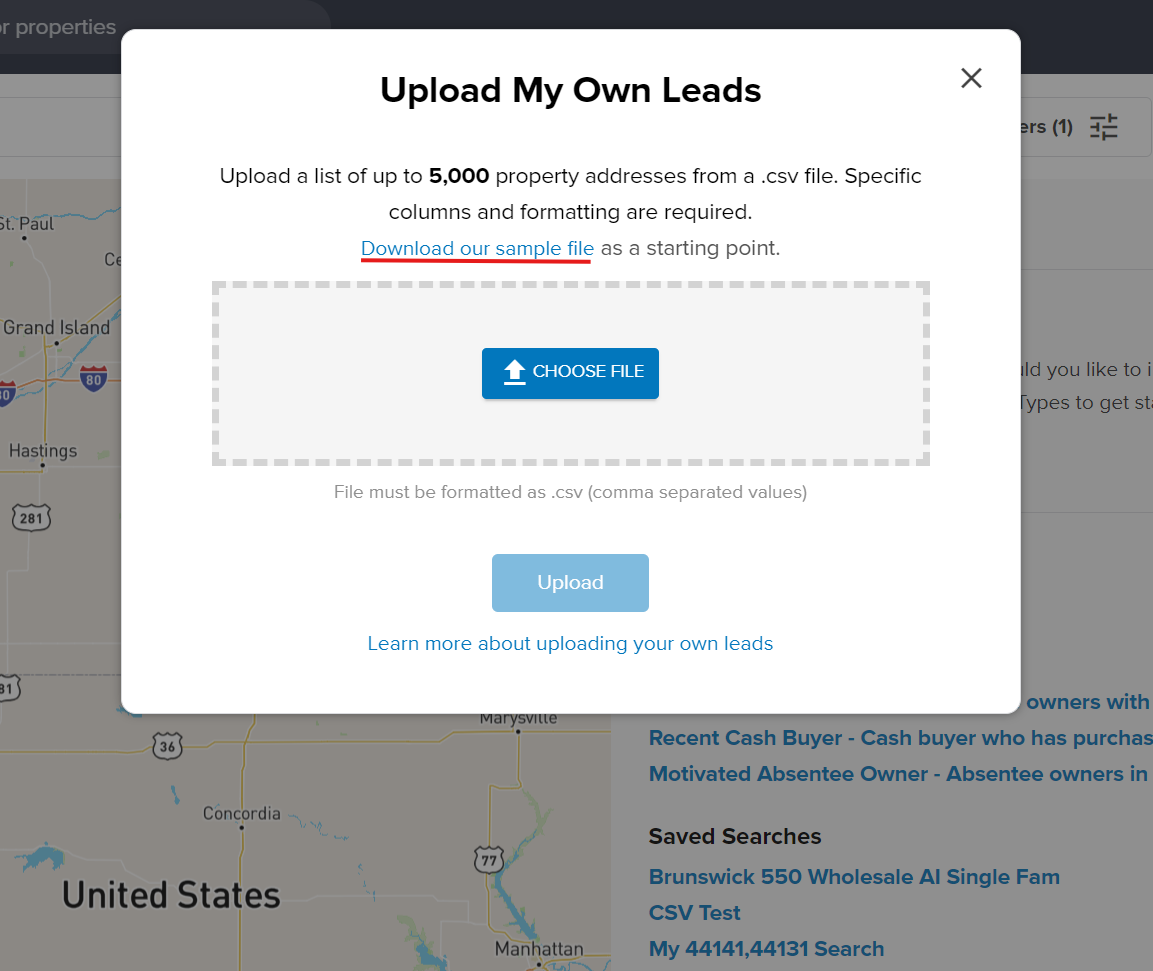
You may upload a list of up to 5,000 property addresses. If your file is successfully uploaded, you will see the file name populate within the CHOOSE FILE box.
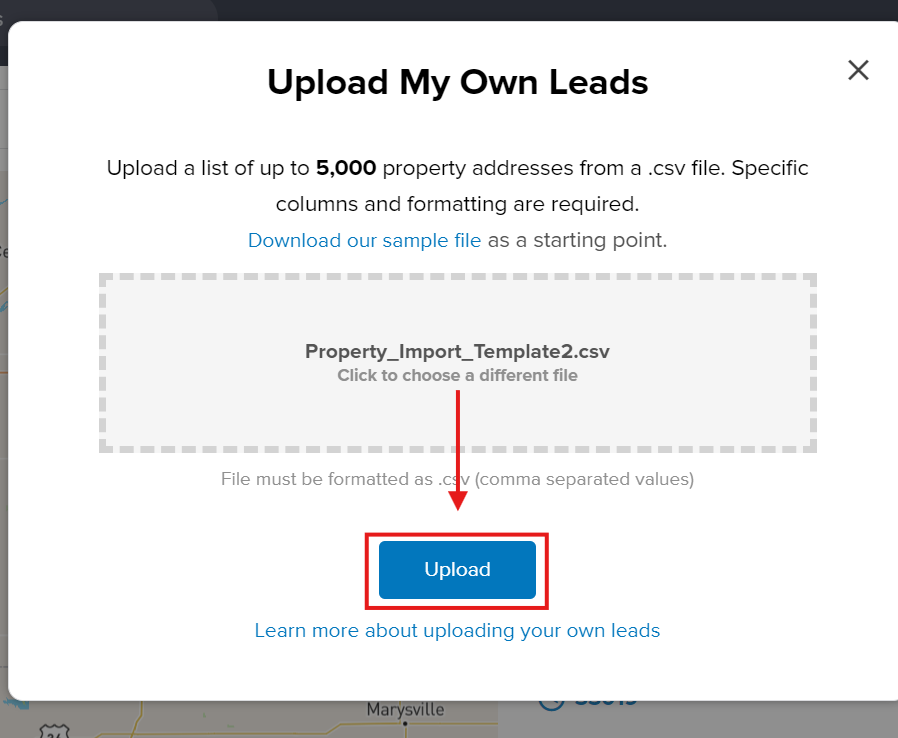
Click Upload
You will now see the name of the file populate in the location search field. You will see a list of the successful properties that we were able to locate.
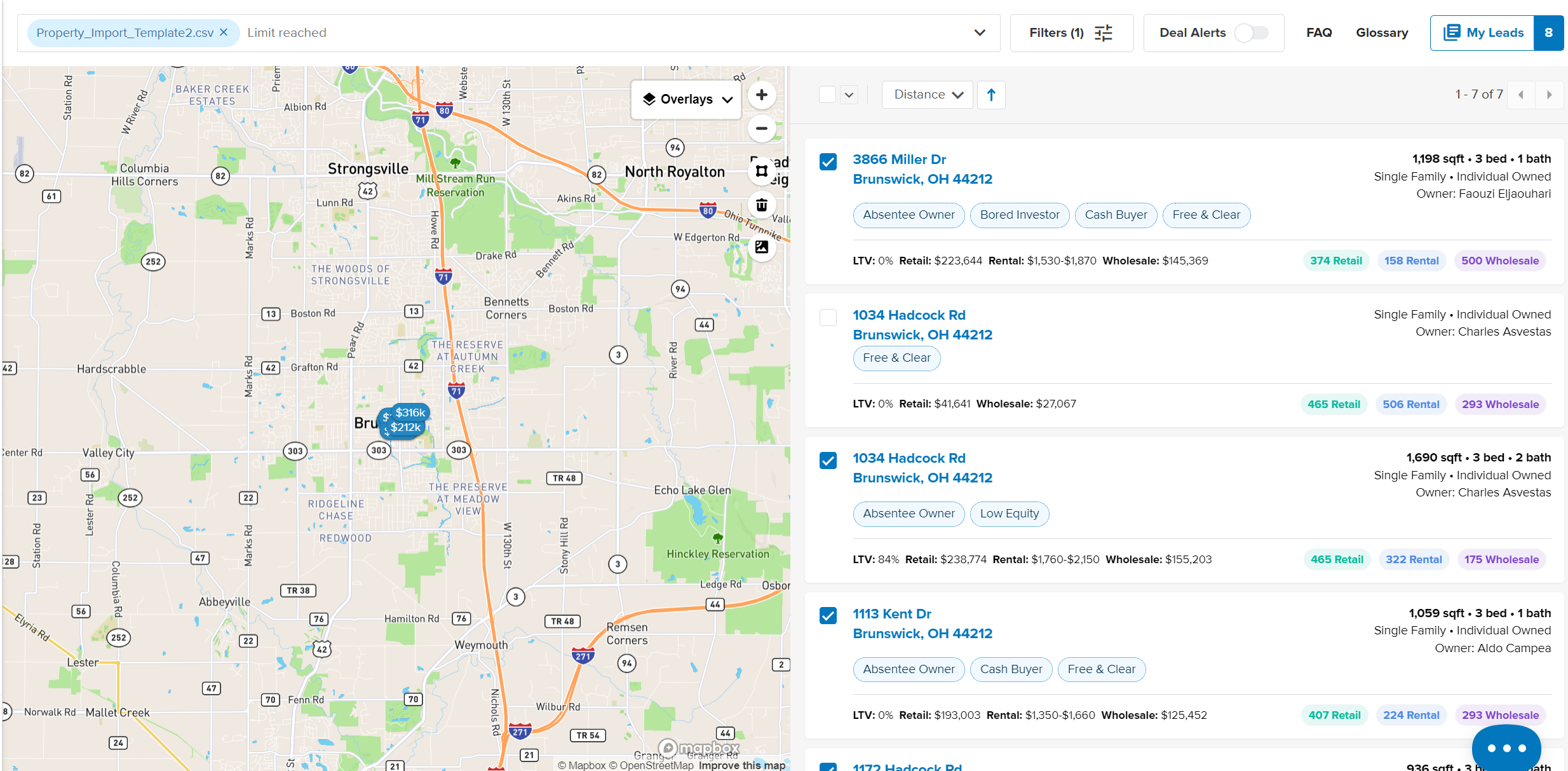
Next, you can further refine your list using the 'FILTERS' at the top of the screen.
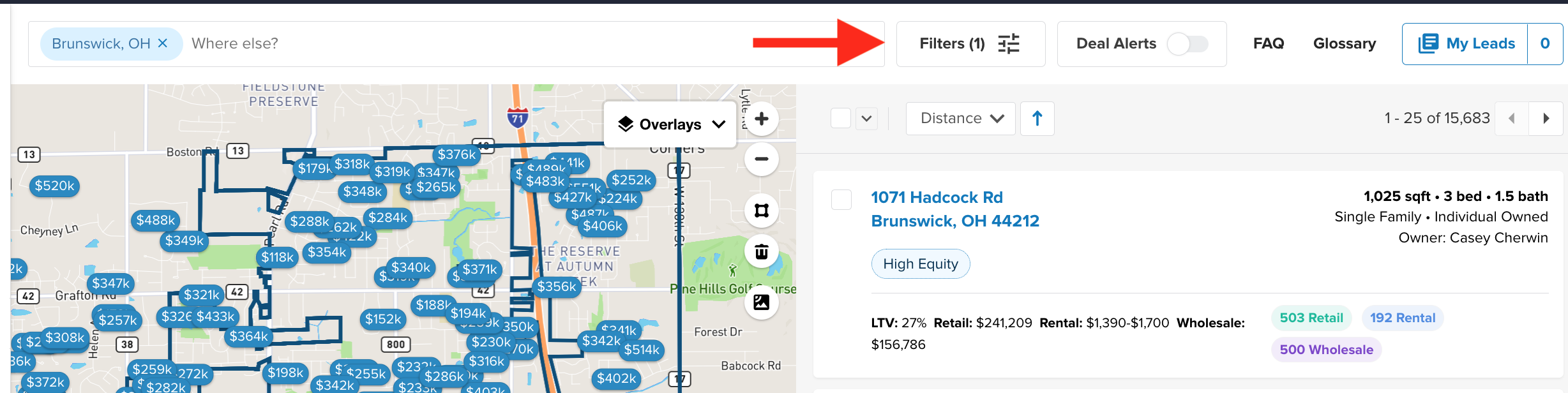
If you would like to save your uploaded list you can click the 'SAVE THESE FILTERS' button.
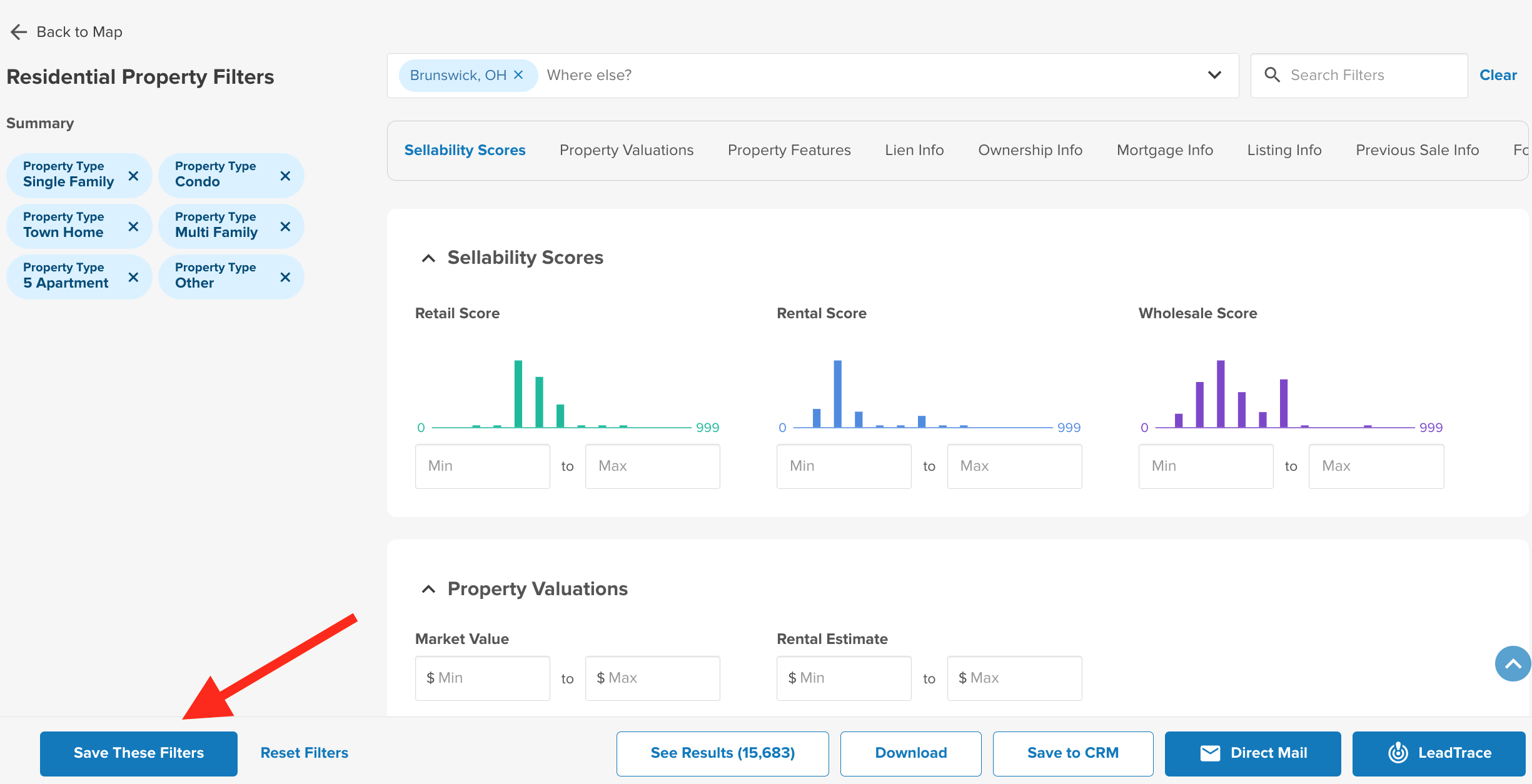
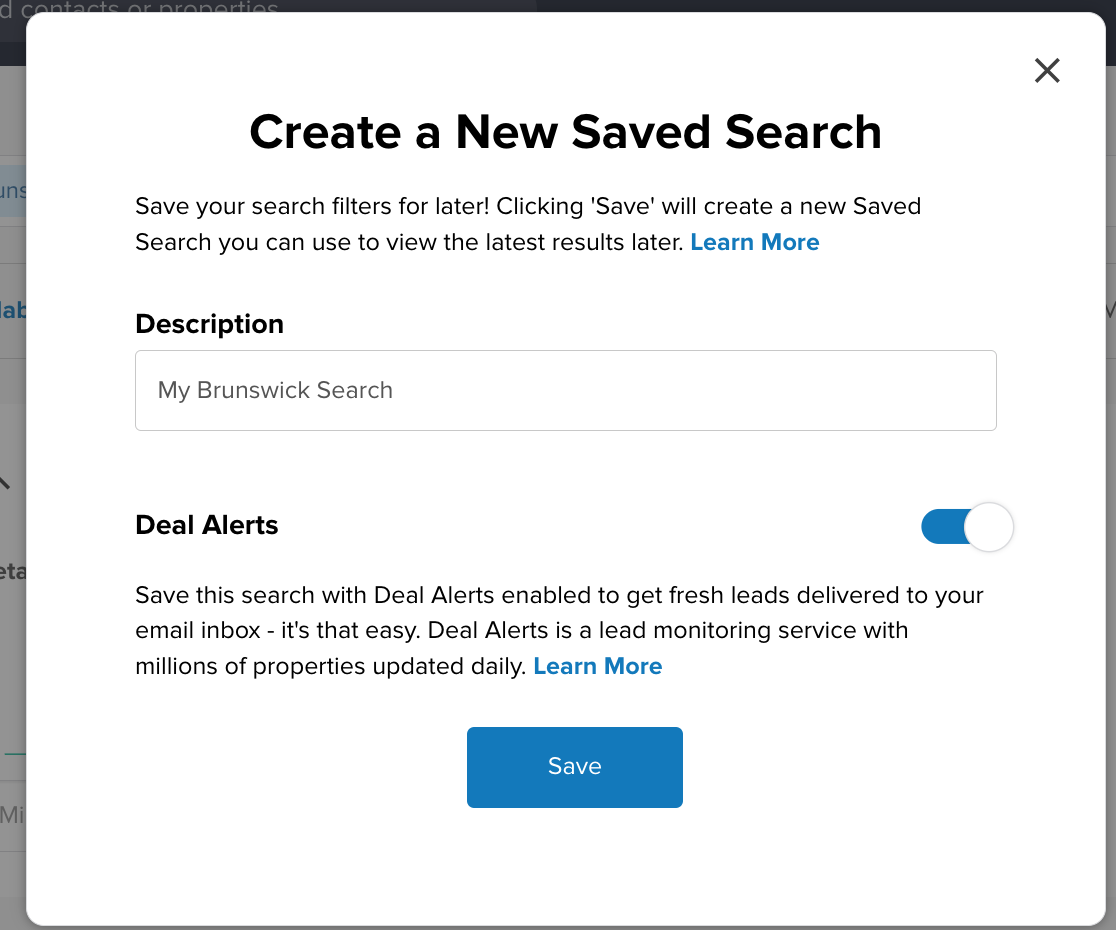
Name your search and click SAVE to revisit the list later.
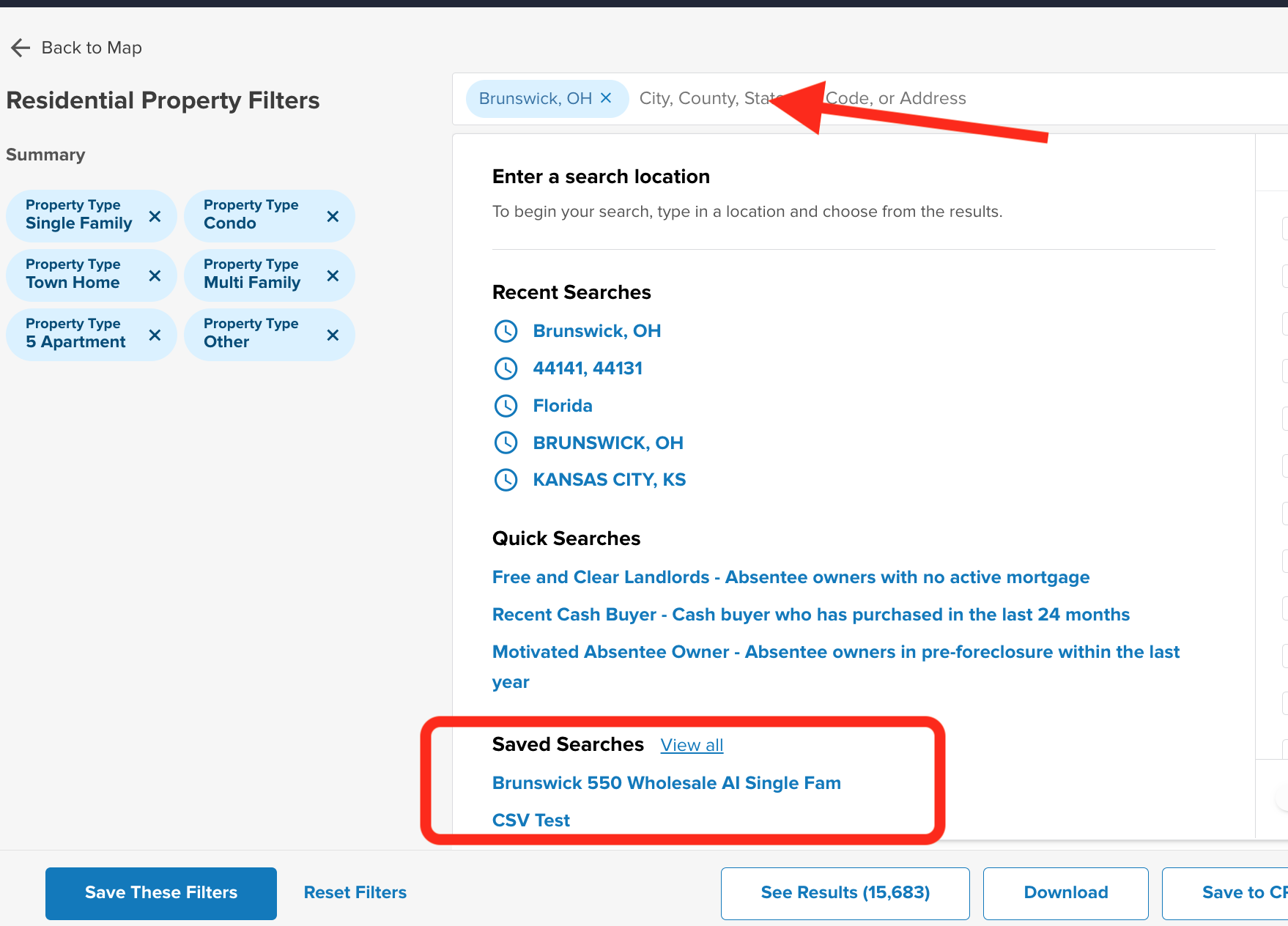
You will see the saved search on your main dashboard and on the Leadpipes dashboard when clicking on the Search Location. Click on the NAME of the Saved Search to apply the filters for that search.
Josh Tobias
Comments